Reach out to us!



Reach out to us!

Bypass YouTube's notification limitations and deliver your videos directly to your subscribers.
Connect your YouTube channel and automatically notify subscribers when you upload new videos. Build a direct communication channel outside of YouTube with reliable push notifications.
Alert subscribers the moment new videos go live.
Build communication outside YouTube’s ecosystem.
Increase repeat viewers with reliable alerts.
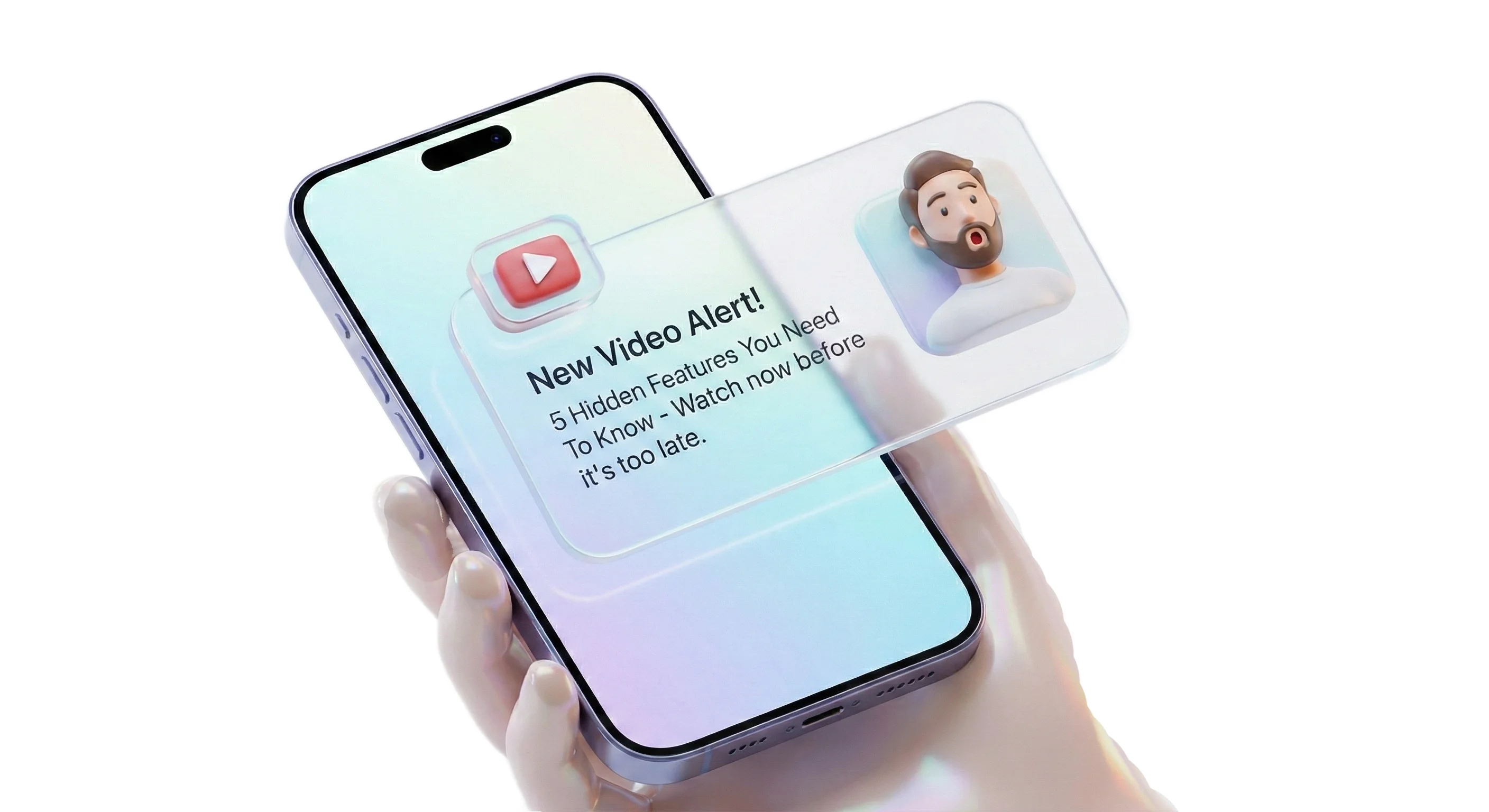
Everything you need to build a direct communication channel with your YouTube audience through reliable push notifications.
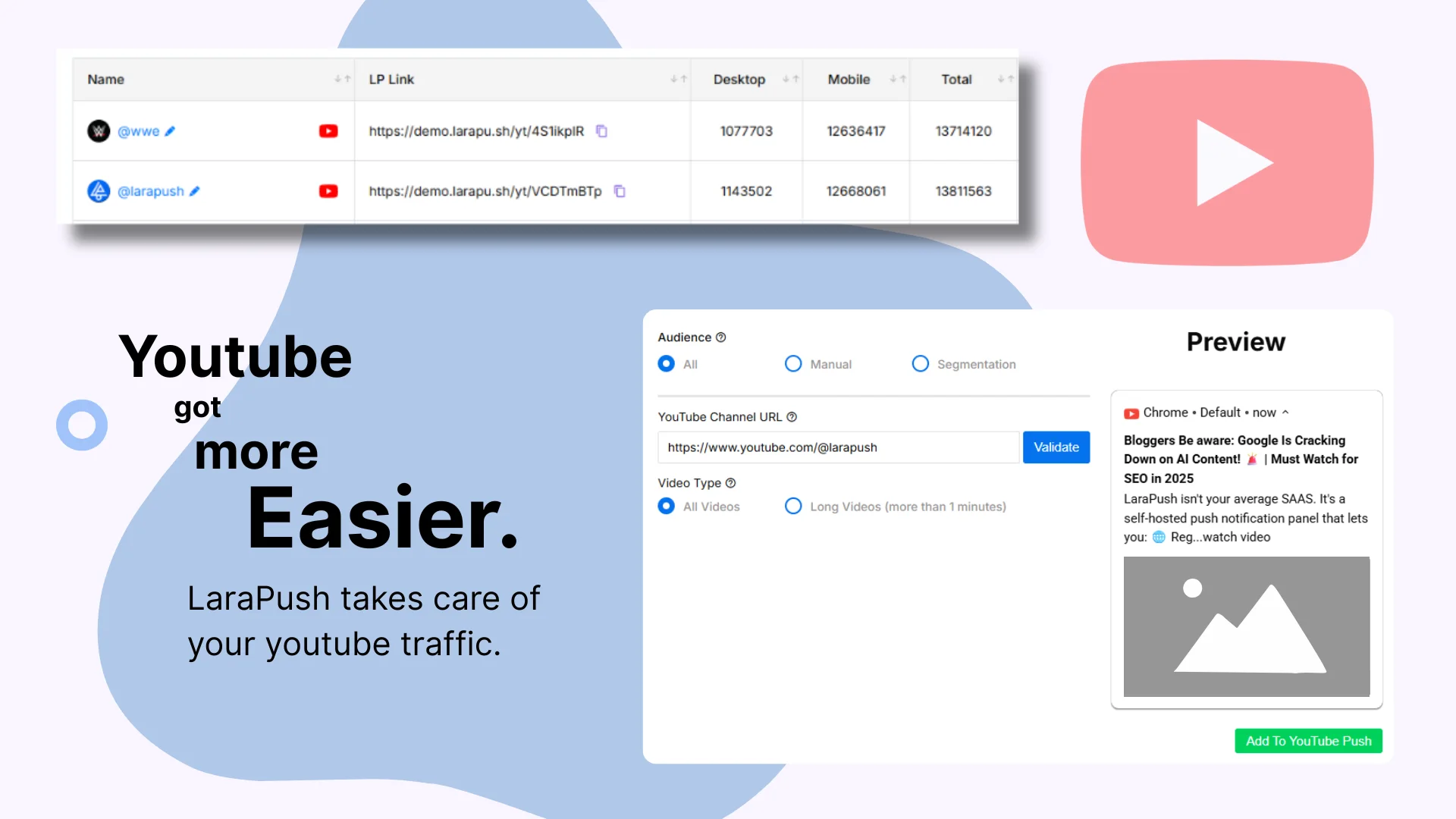
Connect your YouTube channel in minutes with just your channel URL. Generate custom LP Links automatically for seamless subscriber collection.
Automatically notify subscribers the moment you upload new videos, bypassing YouTube's unreliable notification system.
Track and manage your push notification subscribers with detailed analytics split between desktop and mobile users.
Get unique branded links for each channel that you can share across all your platforms to collect push subscribers.
Monitor link performance, subscriber growth, and engagement metrics to optimize your YouTube marketing strategy.
Ensure your notifications reach subscribers reliably through browser push, unlike YouTube's often-missed native notifications.
See how different creators and brands use YouTube push notifications to build stronger connections with their audience.
Build a loyal subscriber base that gets notified instantly when new videos go live, boosting first-hour views.
Keep your brand top-of-mind with reliable notifications for launches, tutorials, and company updates.
Alert your gaming community about live streams, gameplay drops, and event announcements instantly.
Ensure students never miss tutorials, cohort updates, or new course material drops.
Set up your YouTube push notification system in minutes and start building a direct communication channel with your audience.
Enter your YouTube channel URL and customize the subscriber prompt so it matches your brand voice.
Create a branded LP Link and subscription page ready to share across every platform.
Share your LP Link in descriptions, community posts, and social channels to grow your push audience.
Automatically notify your subscribers whenever a new video goes live—no YouTube delays.
Manage notifications, track engagement, and monitor subscriber growth from a real-time dashboard built for creators.
Everything you need to know about setting up and managing YouTube push notifications for your channel.
Simply navigate to the YouTube section in your dashboard and click 'Add YouTube Channel'. Enter your full channel URL (https://www.youtube.com/@your_channel_name), customize your prompt text, and click 'Add Channel' to generate your unique LP Link.
An LP Link is a unique, branded subscription page generated for your YouTube channel. When visitors click this link, they see a custom prompt encouraging them to subscribe to push notifications. Once they subscribe, they'll receive automatic notifications when you upload new videos.
When you upload a new video to YouTube, our system automatically detects it and sends push notifications directly to all your subscribers' devices. This bypasses YouTube's often-missed notification system, ensuring reliable delivery.
Yes! You can customize the prompt text that appears when visitors click your LP Link. This allows you to match your brand voice and encourage subscriptions with personalized messaging that resonates with your audience.
You can share your LP Link everywhere - in video descriptions, community posts, social media bios, channel banners, pinned comments, and across all your marketing channels. The more places you share it, the more push subscribers you'll collect.
Your YouTube dashboard shows detailed subscriber metrics including desktop subscribers, mobile subscribers, total counts, and link performance over time. You can monitor growth trends and optimize your promotion strategy.
Yes, you can easily pause, resume, or delete your YouTube channel integration at any time from the dashboard. You also have full control over which subscribers receive notifications through audience management tools.
Our push notifications have significantly higher delivery rates than YouTube's native system. While YouTube notifications are often missed or delayed, browser push notifications are delivered directly to devices with reliable timing and visibility.
See how LaraPush’s features work together for even greater engagement and impact.
Join thousands of websites using LaraPush to deliver the right notifications to the right audience at the right time. Get started in minutes.

LaraPush is a self hosted push notification service. The USP of our brand is we provide a life time deal and you don’t have to pay for it again.
©LaraPush 2026. All rights reserved