Reach out to us!



Reach out to us!

Create once, reuse many times.
Save, manage, and deploy notification templates efficiently minimizing repetitive work and increasing consistency in push messages.
Template Builder
Drag & Drop Editor
Variable Placeholders
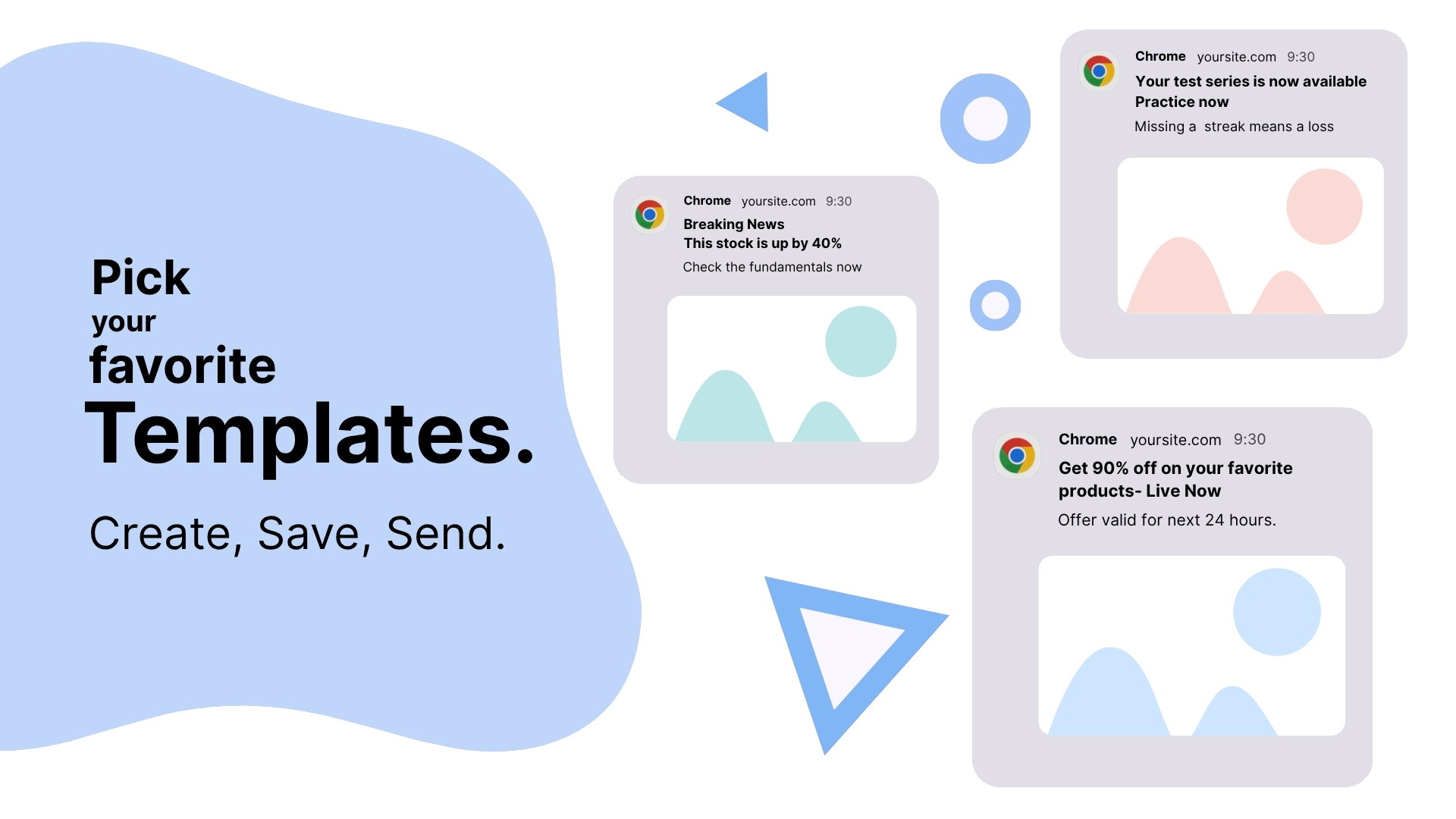
Streamline your notification workflow with our comprehensive template system designed for efficiency and consistency.
Create comprehensive notification templates with all essential fields including title, message, icons, images, and launch URLs.
Split-button functionality allows you to send notifications while simultaneously saving them as templates for future use.
Update existing templates while sending notifications, keeping your template library current and relevant.
Discover how organizations across industries use our template system to streamline their notification workflows.
Create consistent promotional templates for product launches, sales, and marketing events.
Standard templates for order confirmations, shipping updates, and cart abandonment campaigns.
Reusable templates for webinars, meetings, and event announcements with consistent formatting.
Blog post templates, newsletter formats, and content update notifications for publishers.
Course updates, lesson reminders, and educational milestone notifications with structured templates.
Welcome sequences, milestone celebrations, and re-engagement campaigns with personalized templates.
A simple 4-step process to create, organize, and deploy notification templates efficiently.
Navigate to Campaign section and fill out your notification template with all required fields.
Click “Create Template” to save your notification template in the organized template library.
Choose any saved template from the template gallery modal to instantly load all content into your campaign.
Use split-button options to send notifications while creating new templates or updating existing ones.
Everything you need to know about LaraPush Templates.
There's no limit to the number of templates you can create and store. Our system is designed to handle extensive template libraries with powerful organization and search capabilities to help you manage them efficiently.
Yes, templates can be shared across your team workspace. You can set permissions to control who can view, edit, or use specific templates, ensuring consistent messaging across your organization.
Template updates only affect future campaigns. Previously sent notifications remain unchanged. This ensures campaign integrity while allowing you to improve templates for future use.
Absolutely! You can convert any successful campaign into a template using the 'Send & Create Template' option. This is perfect for replicating high-performing notifications.
Yes, all templates are automatically backed up in our cloud infrastructure with multiple redundancy layers. Your templates are safe and accessible from anywhere.
Yes, you can export your templates in various formats including JSON, CSV, and XML. This ensures you maintain ownership of your content and can migrate if needed.
Yes, templates support dynamic placeholders for personalized content like user names, custom data fields, and conditional content based on user segments or behaviors.
Absolutely! The template gallery provides full preview capabilities, showing exactly how your notification will appear across different devices and platforms before deployment.
See how LaraPush’s features work together for even greater engagement and impact.
Join thousands of websites using LaraPush to deliver the right notifications to the right audience at the right time. Get started in minutes.

LaraPush is a self hosted push notification service. The USP of our brand is we provide a life time deal and you don’t have to pay for it again.
©LaraPush 2026. All rights reserved