Reach out to us!



Reach out to us!

Back up your success—never miss a beat.
Protect your LaraPush data with powerful automated backup systems and seamless Google Drive integration. Never lose subscriber data or configurations again.
Scheduled Backups
Drive Integration
Data Security
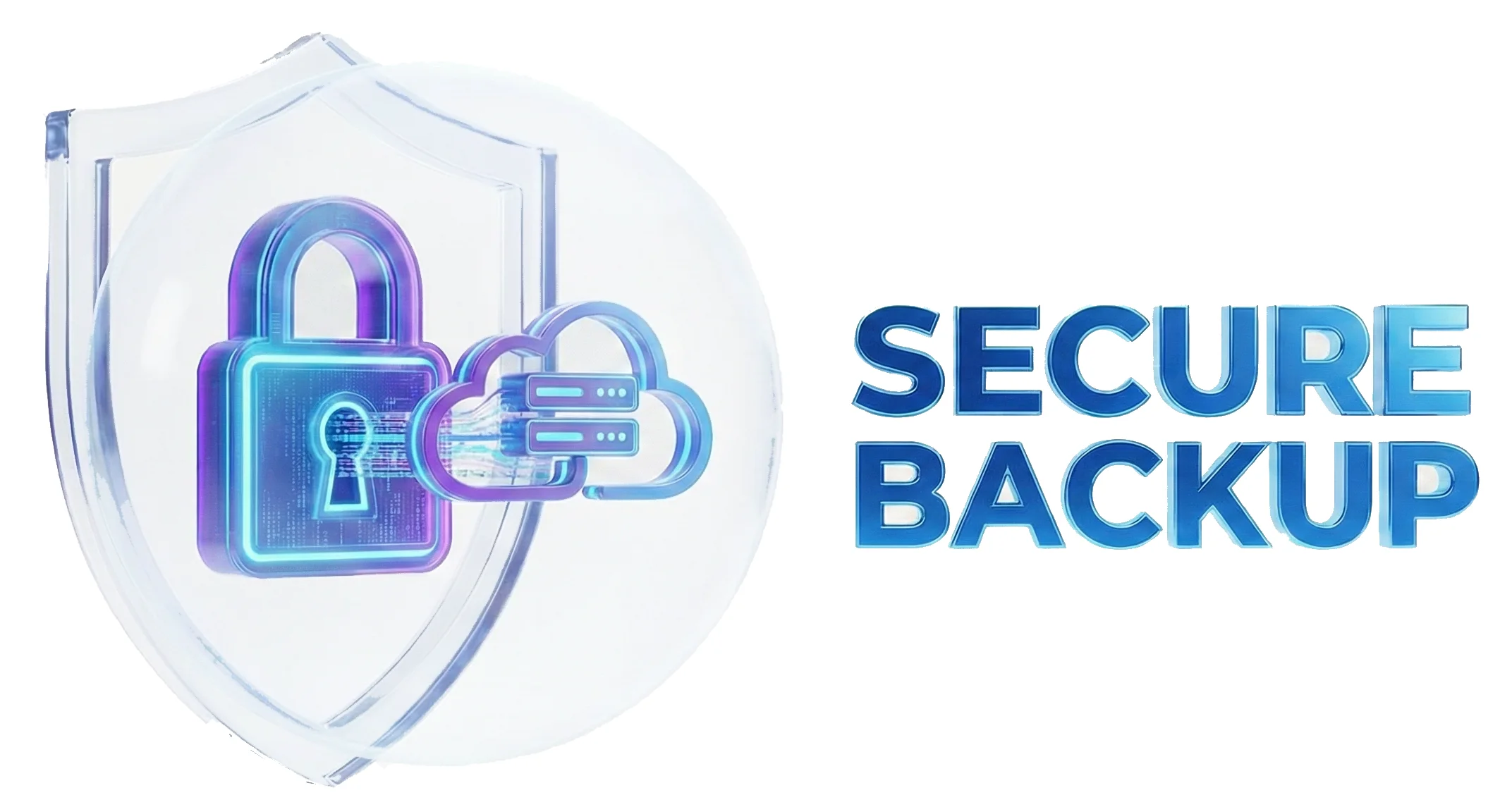
Comprehensive data protection with automated scheduling, cloud integration, and enterprise-grade security features.
Create on-demand backups instantly with a single click to secure your current data state at any moment.
Configure automated backup schedules with daily, weekly, or monthly intervals for continuous data protection.
Seamlessly sync backups to Google Drive for secure cloud storage and remote access from anywhere.
Comprehensive dashboard to view, download, delete, and manage all your backup files with organized history.
Secure Google Drive access using Firebase service accounts for enterprise-grade authentication and safety.
Smart cleanup automatically removes backups after your chosen retention period (1-30 days) unless downloaded or exported, keeping storage optimized.
See how organizations protect their critical LaraPush data with our comprehensive backup and recovery solutions.
Safeguard critical business data with automated enterprise-grade backup solutions and compliance-ready storage.
Protect valuable subscriber information and campaign data with regular automated backups and cloud redundancy.
Safely perform system updates and testing with confidence, knowing your data is fully backed up and recoverable.
Access your backups from anywhere with Google Drive integration, ensuring business continuity across locations.
Comprehensive disaster recovery planning with automated cloud backups and rapid restoration capabilities.
Preserve system configurations, settings, and customizations through regular backups and version control.
Comprehensive data protection ensuring your business never loses critical information
Simple 4-step process to protect your LaraPush data with manual and automated backup solutions.
Create instant backups on-demand with a single click from your backup dashboard.
Configure automated backup schedules with daily, weekly, or monthly intervals for continuous protection.
Connect your Google Drive for automatic cloud backup storage and remote access capabilities.
Configure Firebase service account for secure, enterprise-grade Google Drive access and authentication.
Don't risk losing valuable subscriber data and configurations. Set up automated backups with Google Drive integration now.
Important: Backups are automatically deleted after your chosen retention period (customizable from 1-30 days) unless downloaded or exported to Google Drive. Set up automation to ensure continuous protection.
Everything you need to know about LaraPush Backup System.
Backups are automatically deleted after your chosen retention period (customizable from 1-30 days) unless they are downloaded to your local system or exported to Google Drive. This automatic cleanup helps optimize storage while ensuring you have time to secure important backups.
LaraPush backups include all subscriber data, push notification campaigns, system configurations, templates, analytics data, and custom settings. It's a complete snapshot of your entire LaraPush installation and data.
Currently, backups can be downloaded and used for manual restoration. The backup files contain all necessary data and configurations to restore your LaraPush system to the backed-up state.
Yes, Google Drive integration uses Firebase service accounts with enterprise-grade authentication. Your data is encrypted during transfer and stored securely in Google's infrastructure with the same security standards as Google Workspace.
Email integration provides basic Google Drive access using your personal account. Service account integration offers enterprise-grade security with dedicated authentication credentials, better for production environments and team access.
Yes, when setting up automated backups, you can configure the specific timing for daily, weekly, or monthly schedules to run during low-traffic periods or convenient maintenance windows.
Backup file size depends on your data volume - typically ranging from a few MB to several GB for large subscriber bases. Google Drive integration handles large files automatically with no specific size limits from LaraPush.
If an automated backup fails, you'll receive notifications in your dashboard. The system will attempt the backup again at the next scheduled interval. You can also create manual backups as a fallback.
See how LaraPush’s features work together for even greater engagement and impact.
Join thousands of websites using LaraPush to deliver the right notifications to the right audience at the right time. Get started in minutes.

LaraPush is a self hosted push notification service. The USP of our brand is we provide a life time deal and you don’t have to pay for it again.
©LaraPush 2026. All rights reserved